
What Is Procedural Animation? How It Works, With Examples
Procedural animation is movement generated by rules, algorithms and parameters instead of being set by hand, frame by frame. The animator defines how something should behave, such as how far apart birds fly or how a pipe’s contents flow, and the software calculates the motion.
That makes it the go-to method for motion that is too large, too repetitive or too complex to keyframe: crowds and flocks, particles and fluids, hair and cloth, and machines with hundreds of moving parts. This guide explains how procedural animation works, how it differs from keyframing and simulation, the tools studios use, and where it earns its place in technical and industrial animation.
Procedural animation vs. keyframe animation vs. simulation
| Keyframe animation | Procedural animation | Simulation | |
|---|---|---|---|
| How motion is made | The animator poses key moments; software fills the frames between | The animator sets rules and parameters; algorithms generate the motion | Physics equations calculate motion from forces, mass and collisions |
| Best for | Precise, art-directed performance | Large numbers, repetition, variation, systems | Natural phenomena: fluids, smoke, cloth, hair |
| Changing it | Re-pose the affected keys | Change a parameter; every instance updates | Change forces or settings and re-run |
| Main cost | Artist hours | Setup time up front | Computing time |
In practice the lines blur. Simulation is usually treated as the physics-driven branch of procedural animation, and most productions combine all three.
How procedural animation works
- Define the behavior. Decide what should drive the motion: proximity to neighbors, a path, a speed curve, a data value, a collision.
- Build the rules. Express that behavior as a node graph or a script. Modern tools such as Houdini and Blender’s Geometry Nodes let artists build rules visually, often without writing code.
- Expose the parameters. Pull out the values worth adjusting, such as count, spacing, speed, randomness and seed, so the result can be art-directed.
- Generate, review, adjust. Run the system, review the motion and tune parameters. Because the rules stay live, one change updates every element at once.
A classic illustration is Craig Reynolds’ “boids” model, presented at SIGGRAPH in 1987. Each simulated bird follows three local rules: steer away from neighbors that are too close, match their heading, and move toward the group’s center. No bird follows a scripted path, yet realistic flocking emerges.
Why studios use procedural animation
- Scale without proportional effort. Animating ten conveyor items or ten thousand takes much the same setup once the rules exist.
- Natural variation. Controlled randomness avoids the copy-paste look of repeated keyframed cycles.
- Fast global changes. A client asks for faster flow or tighter spacing: change one parameter, not hundreds of keys.
- Reusable systems. A well-built setup can be reused across shots and projects.
The trade-offs are real. Procedural setups take longer to build up front and need technical artists to build them. They can be harder to art-direct for a single precise moment, and complex systems and simulations can take substantial computing time. For a short, carefully choreographed move, keyframing is often faster.
Examples of procedural animation
- Flocks and crowds. Reynolds’ boids model became the basis for flocking and crowd systems used across film and games.
- Hair in Pixar’s Brave. Pixar built a new hair simulator, Taz, for Merida’s curls. Artists sculpted about 1,500 hair curves, which generated 111,700 rendered hairs, and the physics of springs and collisions drove their motion.
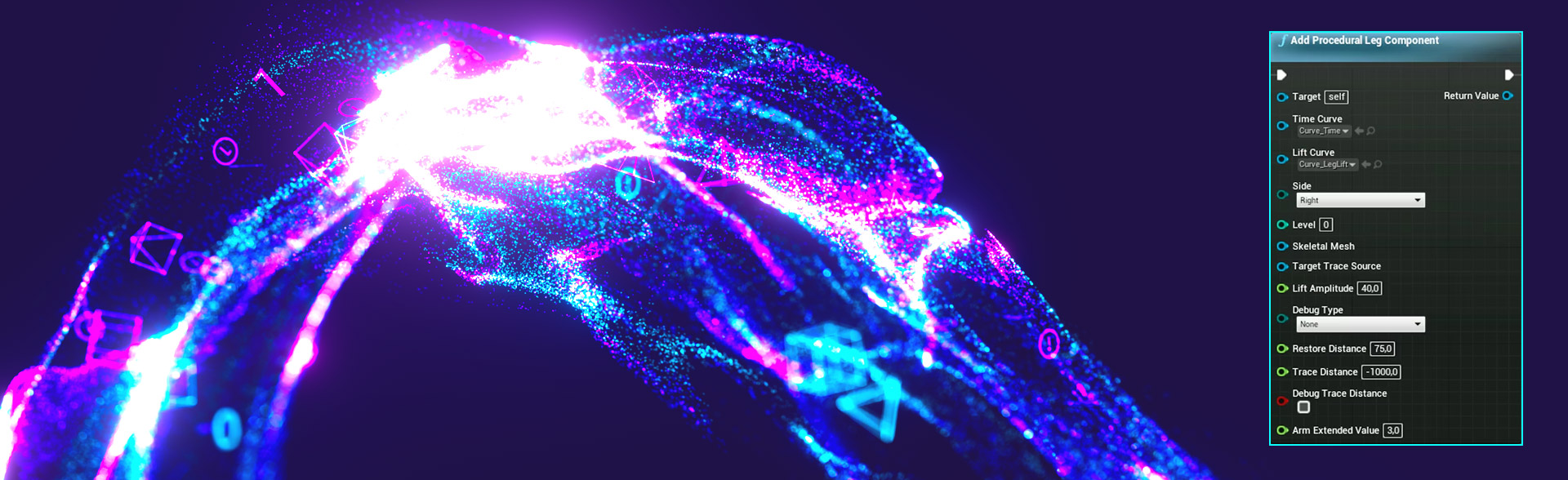
- Foot placement in games. Many games adjust a character’s legs procedurally, using inverse kinematics to plant feet on stairs and slopes instead of relying on a separate animation for every surface.
- Data visualised as motion. For Sensia’s sustainability rebrand, IMMIX built a particle system to show data travelling from sensors and field hardware in the logo animation.
Where procedural animation fits in industrial and technical animation
Industrial animation is full of motion that suits rules better than hand keys:
- Flow inside equipment. Fluid through pipes, valves and pumps, gas through a separator, or slurry through a process line.
- Repeating systems. Conveyors, robotic cells, rows of solar trackers or battery racks, and cable or pipe runs.
- Data and energy flow. Signals moving from field sensors to a control room, or power moving through a grid or a battery energy storage system.
- Large site scenes. Vehicles, workers and equipment moving across a plant, port or charging depot.
The benefit for an engineering audience is accuracy at scale. Rules can be tied to real values such as flow rates, spacing and sequence timing, so the animation stays consistent when the engineering changes.
Tools used for procedural animation
- Houdini by Toronto-based SideFX, built around a node-based procedural workflow and widely used for effects and simulation.
- Blender, whose Geometry Nodes system arrived in version 2.92 in 2021 and brought node-based procedural modeling into the free, open-source package.
- Autodesk Maya, whose Bifrost visual programming environment handles procedural effects and simulation.
- Game engines such as Unreal Engine and Unity, for procedural motion that has to run in real time, such as interactive demos and training.
Tips for better procedural animation
- Start simple. Get one rule working before adding the next; complex behavior usually comes from a few interacting rules.
- Expose only the parameters you’ll change. A setup with five clear controls is easier to direct than one with fifty.
- Fix the random seed. Lock the seed once a look is approved, so the result doesn’t change on the next render.
Procedural animation at IMMIX
IMMIX creates technical 3D animation for oil and gas, energy and industrial companies, and we choose the method shot by shot. Keyframing carries the precise mechanical moments; procedural systems carry the flow, repetition and data that would be impractical to animate by hand.
IMMIX’s industrial work includes fluid and particle simulations showing flow and pressure inside equipment, built from clients’ CAD files and technical documentation.
Need to show how your equipment or process works? See IMMIX’s industrial 3D animation and tell us what your audience needs to understand.
Frequently asked questions
What is procedural animation?
Procedural animation is motion generated by rules, algorithms and parameters rather than set by hand, frame by frame. The animator defines how something should behave and the software calculates the movement.
How does procedural animation work?
An artist defines the behavior, builds it as rules in a node graph or script, exposes adjustable parameters such as count, speed and randomness, then generates and tunes the result. Changing a parameter updates every element at once.
What is the difference between procedural and keyframe animation?
In keyframe animation the animator poses key moments and the software fills the frames between them. In procedural animation the animator sets rules and the software generates the motion. Keyframing suits precise performance; procedural suits large, repetitive or complex systems.
Is simulation the same as procedural animation?
Simulation is usually treated as the physics-driven branch of procedural animation. It calculates motion from forces, mass and collisions, and is used for fluids, smoke, cloth and hair.
What software is used for procedural animation?
Common choices are Houdini by SideFX, Blender with Geometry Nodes, and Autodesk Maya with Bifrost. Game engines such as Unreal Engine and Unity handle procedural motion that must run in real time.
Is procedural animation used outside games and film?
Yes. Industrial and technical animation uses it to show fluid flow inside equipment, repeating systems such as conveyors and solar arrays, and data or energy moving through a network.
Related reading on IMMIX Learn